
In a recent post I talked about why context matters more than prompting when working with AI. But I left out an important question: how does the context actually get to the AI?
There are two main approaches. One is massively popular and probably overkill for most people. The other is simpler than you’d expect. And the best solution might be somewhere in between.
Two ways to give AI a memory
Let’s say you want an AI assistant that knows about your company. Your policies, your projects, your style guide, all of it. The AI doesn’t know any of this by default. So you need to feed it somehow.
Option one: RAG (Retrieval-Augmented Generation). Think of it as giving the AI a librarian. When you ask a question, the system first searches through your documents, pulls out the parts it thinks are relevant, and hands those pieces to the AI along with your question. The AI never sees everything. It only sees what the search found.
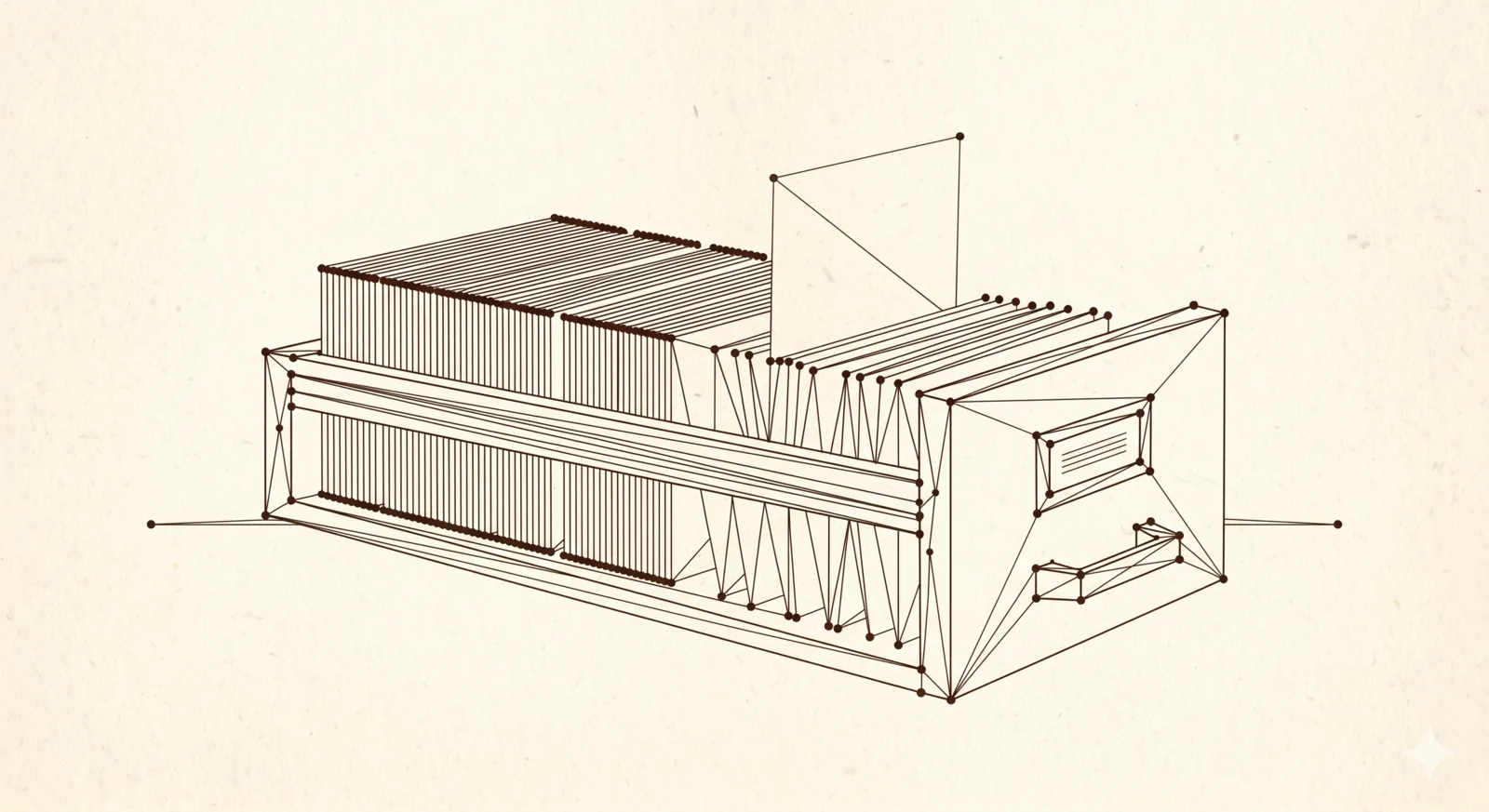
Option two: Long context memory. This is the simpler idea. Modern AI models can hold a lot of text in their working memory at once (some over a million tokens, which is roughly a few thousand pages). So instead of searching and selecting, you just give the AI everything it needs upfront. Like spreading a big blueprint on a table where every detail is visible at the same time.
Why RAG became so popular
A couple of years ago, AI models had small context windows. You could fit maybe a few pages of text before hitting the limit. If you wanted the AI to work with large amounts of information, you had no choice. You had to search, select, and feed it small pieces. RAG was the solution to a real problem.
And it worked well for certain things. If you have 10,000 HR documents and someone asks “how many vacation days do I get,” a good search can find the right paragraph without loading all 10,000 documents. For that kind of needle-in-a-haystack question, RAG makes sense.
The problem is that RAG became the default answer for everything. Like a golden hammer. People started building complex RAG pipelines with vector databases, embedding models, and chunking strategies for projects where a much simpler approach would have been enough. I think a lot of that came from the hype. RAG was the hot thing, so everyone reached for it.
The blind spot problem
RAG has a fundamental issue that doesn’t get talked about enough. You can’t see what the AI doesn’t see.
When the search algorithm picks which pieces of your documents to show the AI, it makes choices. Sometimes it picks the wrong section. Sometimes it misses a connection between two different documents that a human would catch immediately. And when the AI gives you a bad answer because of this, it’s very hard to figure out why. The retrieval step is a black box.
You know the information is “in the system.” But “in the system” and “in front of the AI” are two very different things. The AI can only work with what it actually receives, and with RAG, you’re trusting an algorithm to make that selection for you.
When you can just show everything
Here’s what changed: context windows got massive. The technical limitation that made RAG necessary for most use cases is largely gone now.
For project-level work (writing, coding, planning, analysis), you don’t usually need the AI to search through thousands of documents. You need it to understand one project deeply. And for that, you can just give it the full picture. All the notes, all the decisions, all the specs. No search algorithm in between, no risk of missed connections.
The AI sees everything you see. If it makes a mistake, you can check exactly what information it had. Nothing is hidden behind a retrieval step. This is what I mean by a clearbox approach. You stay in control because everything is transparent.
My approach: deterministic RAG
In practice, I don’t load everything into the context window every single time. That would be wasteful and slow. What I do instead sits between the two and takes the useful part of both approaches. The general idea has a name now, “deterministic RAG,” but my version of it is about as simple as it gets.
Every project I work on starts as a set of Markdown files. Think of it as a second brain for that specific project. There’s a structure: index files that give an overview, topic files that go deep, decision logs, specs, notes. They link to each other. They have metadata at the top that says what type of document it is and what its status is.
The AI tools I use (mostly CLI-based) can read these files directly. When the AI needs to know something, it looks it up. Not through a vector database or a semantic search. Just a simple file read or a text search. Like grep. The most basic Unix tool there is.
This is the key difference from traditional RAG: the retrieval is transparent and predictable.
If the AI searches for “database schema,” I know exactly which files it will find, because I organized them. There is no embedding model making fuzzy guesses about what might be relevant. And unlike pure long context, I’m not loading the entire project into memory for every small question.
A couple of months ago Andrej Karpathy (OpenAI co-founder, now at Anthropic) shared his “LLM Wiki” idea, which is essentially the same approach. Plain text files, structured by hand, accessible to AI through simple tools. The pattern is becoming more visible: simpler and more transparent tends to win over complex pipelines.
Why Markdown matters here
This might sound too simple, but the file format matters more than people think.
AI models were trained on enormous amounts of internet text. Markdown is everywhere on the internet. When a model reads a well-structured Markdown file, it understands the hierarchy from the headers, the emphasis, the lists. It’s not magic. It’s just that Markdown happens to be the format that’s closest to how these models learned to process information.
Compare that with feeding the AI a PDF (needs parsing, often loses formatting), a Word document (XML mess under the hood), or a database dump (no structure, no context). A clean Markdown file is like an open book for the model. No conversion, no noise, no lost information.
And here’s the part I really like: Markdown files are equally readable for humans. I can open them in a text editor, in Obsidian, in a browser. I can see exactly what the AI sees. That’s the clearbox principle again. No special tools needed to inspect or edit the context.
Keeping it alive
The hardest part isn’t building this system. It’s maintaining it.
Files go out of date. Decisions change. New information comes in. If you don’t update the context, you get what I call context drift. The AI works from stale information, and the quality of its output slowly drops. You might not even notice at first.
A few weeks back I wrote about how working with AI mirrors my old project manager job: keeping specs current, documentation clean, the team aligned. Maintaining a Markdown second brain is the same story from a different angle.
Most of the maintenance happens through AI too. After a working session I ask it to update the relevant files: log what we decided, refresh the index, drop notes that no longer apply. My job is to curate the structure (what files exist, how they connect). The AI keeps the contents in sync.
The structure helps. When every project follows the same layout (index files, topic files, decision logs), you always know where to look. The content is different for each project, but the shape is the same. That consistency makes maintenance easier and means the AI tools also know where to look without being reconfigured every time.
There’s a pattern I keep seeing in the AI world. A new technology appears, it gets hyped beyond reason, everyone builds complex systems around it, and then the dust settles and people realize that a simpler approach works just as well for most cases.
I think RAG is going through that cycle right now. It still has its place, especially at large scale. But for the kind of work most of us do every day, a well-maintained set of text files, organized so that both you and the AI can navigate them, gets you surprisingly far. Sometimes the best technology is the one you can actually see through.